OpenFX plugin for DaVinci Resolve
The anamorphic look.
No anamorphic lens.
Stretched edges, oval blur, astigmatism, flares and film grain — on any footage, in one effect.
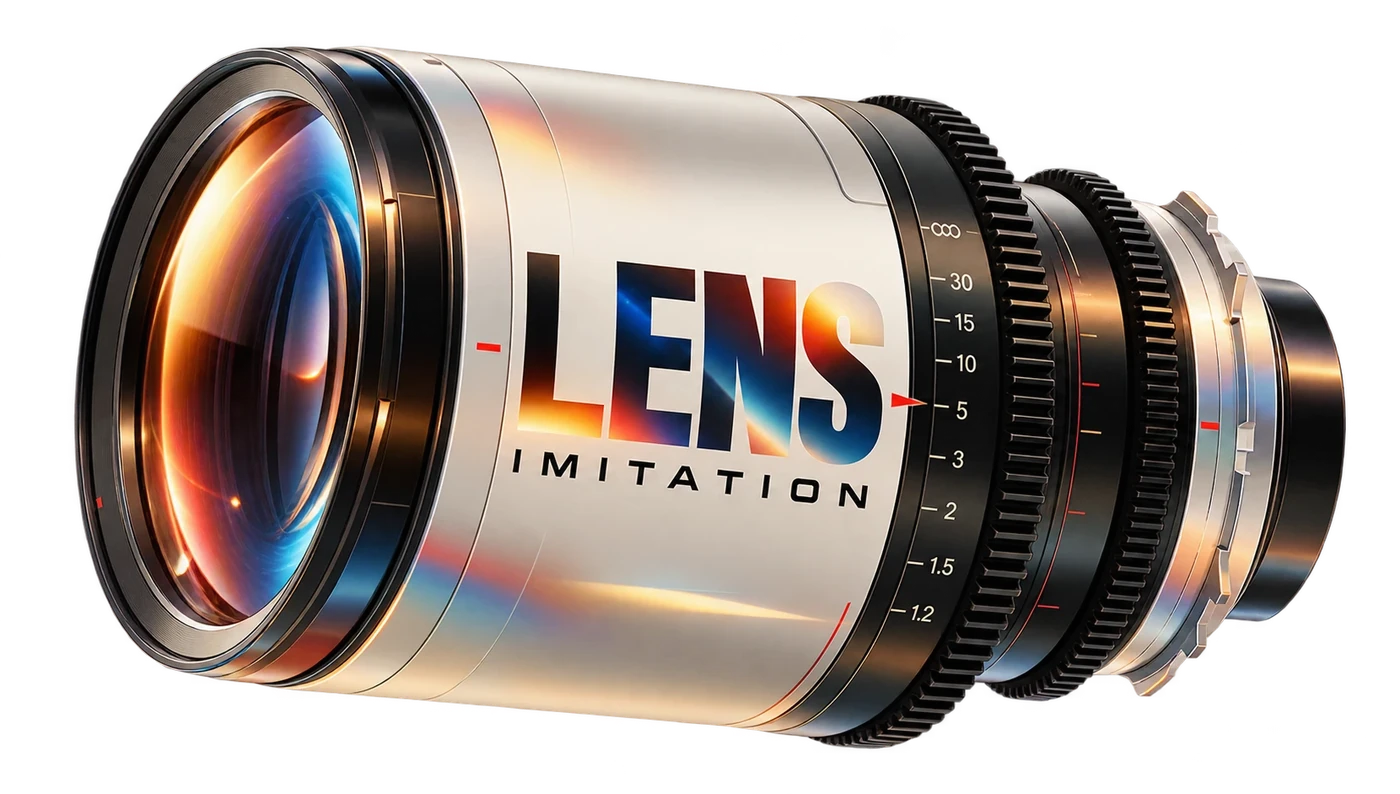
Try it right here.
Pick a shot on the timeline. Move the sliders in the Inspector. Drag the line to compare.
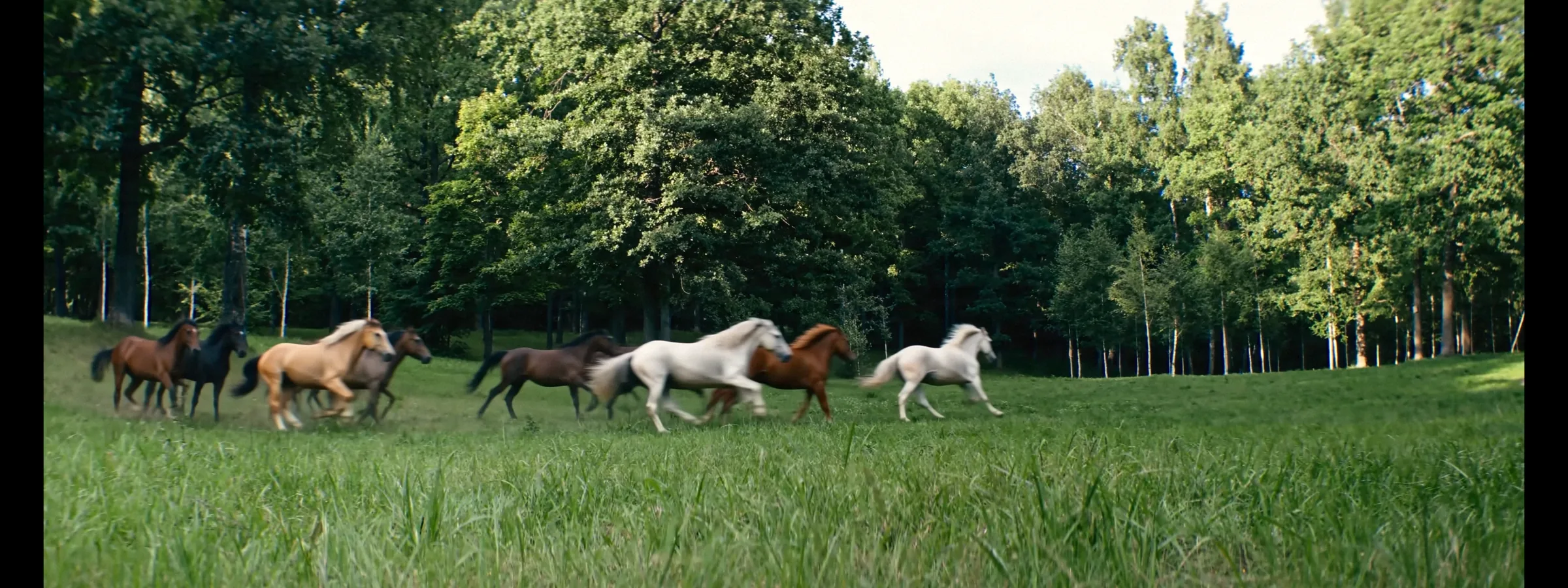
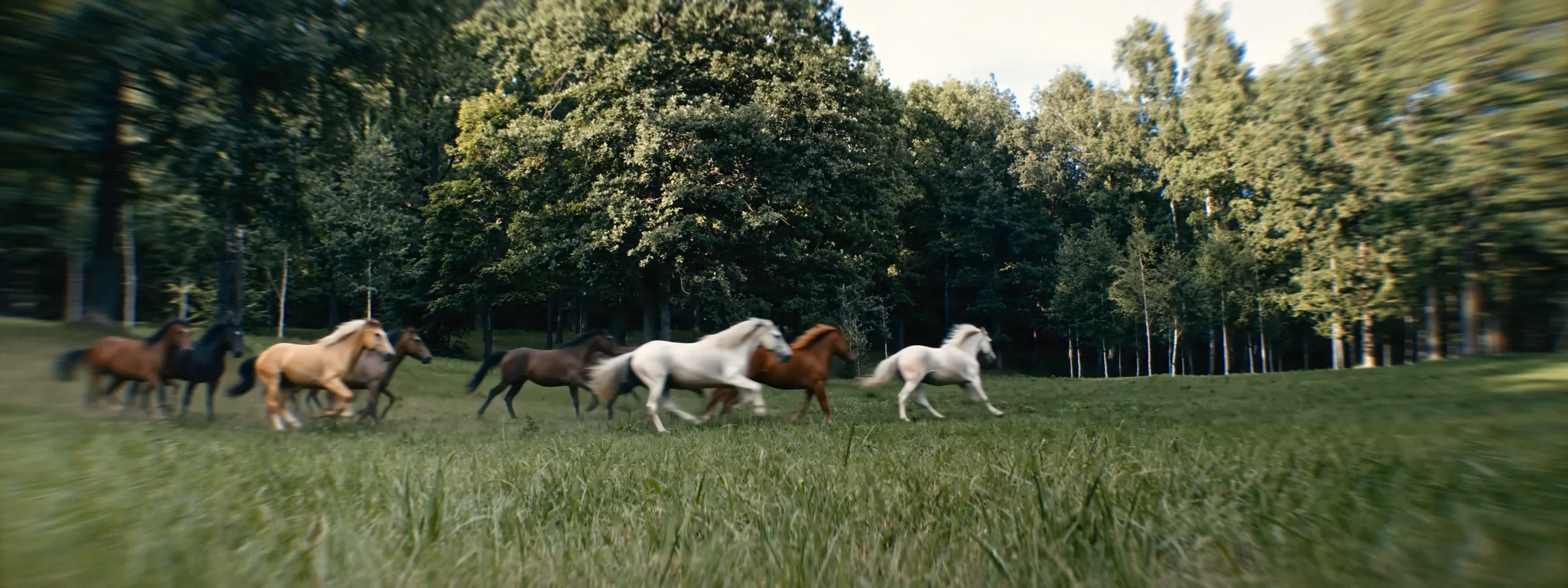 OriginalLens Imitation
Before. After.
Try it on your footage
BeforeAfter
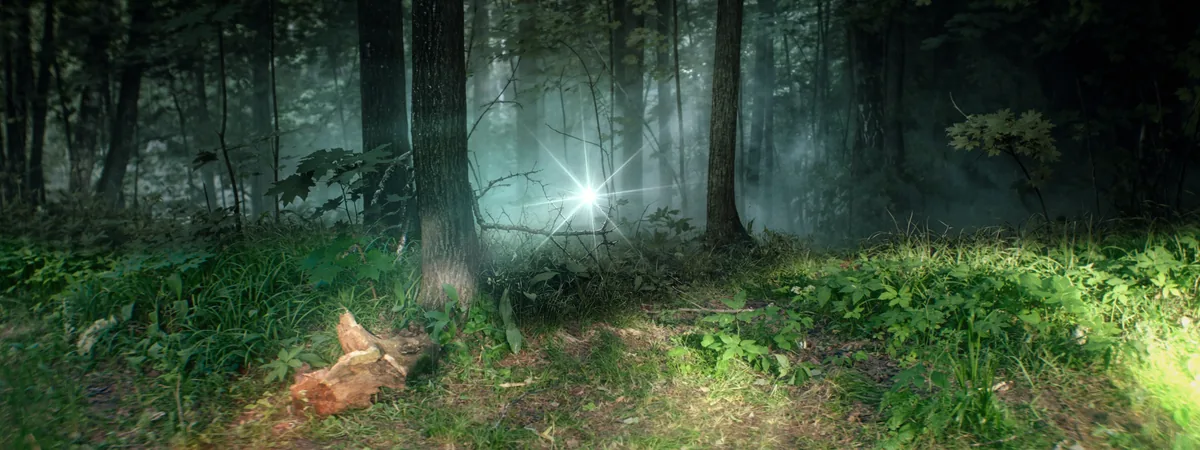
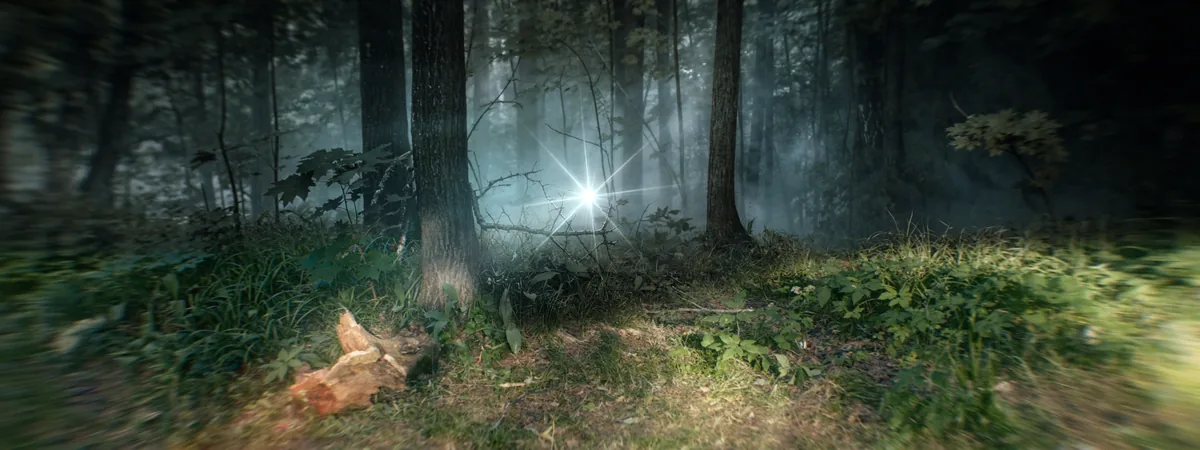 BeforeAfter
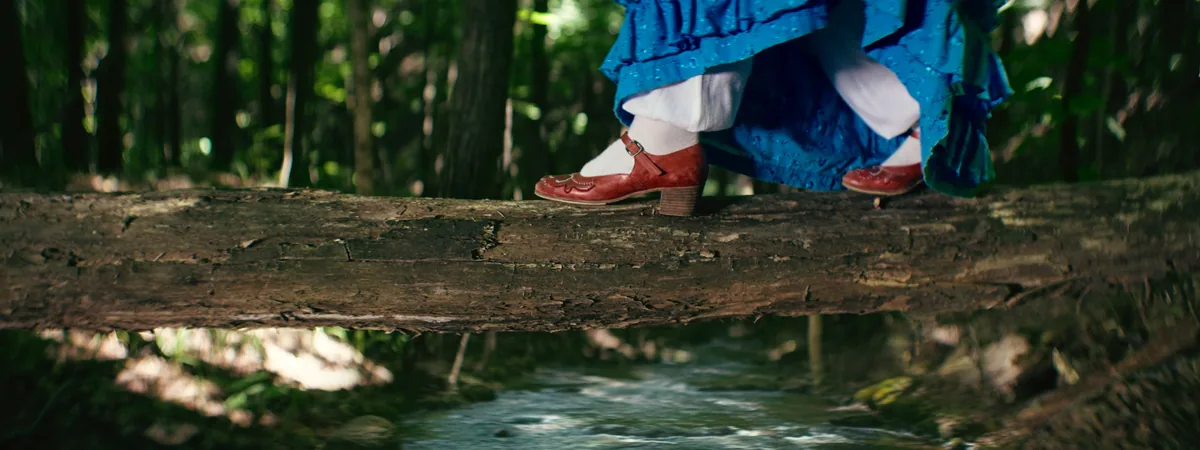
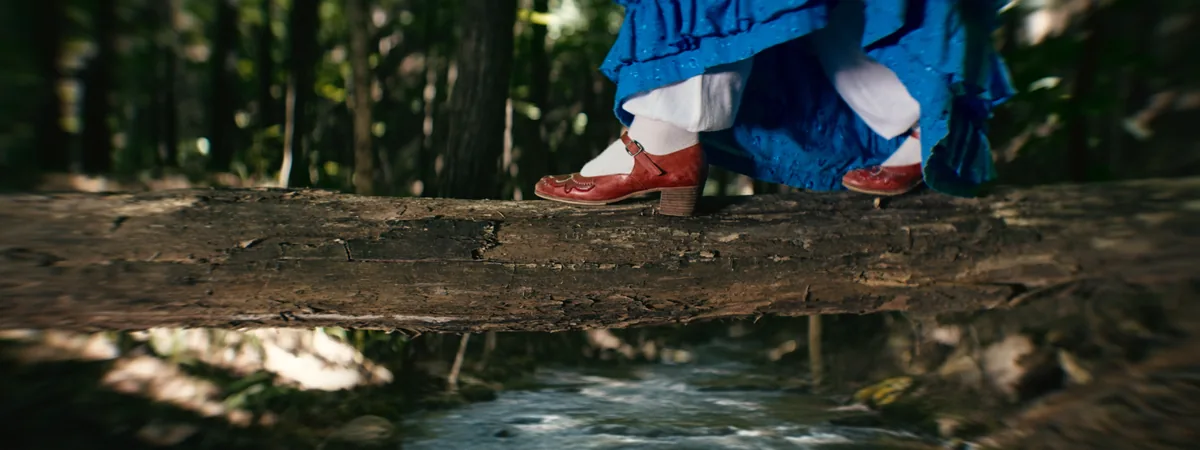 BeforeAfter
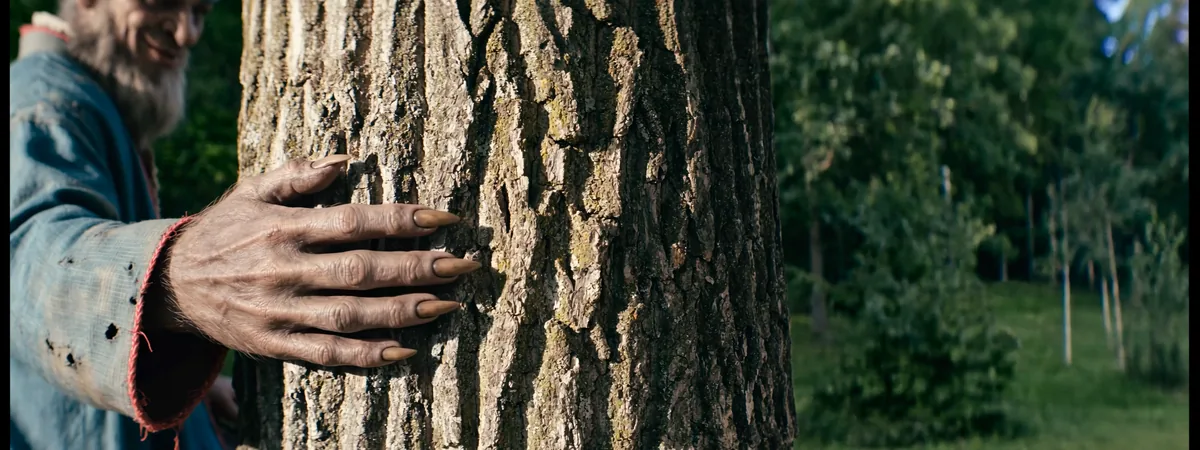
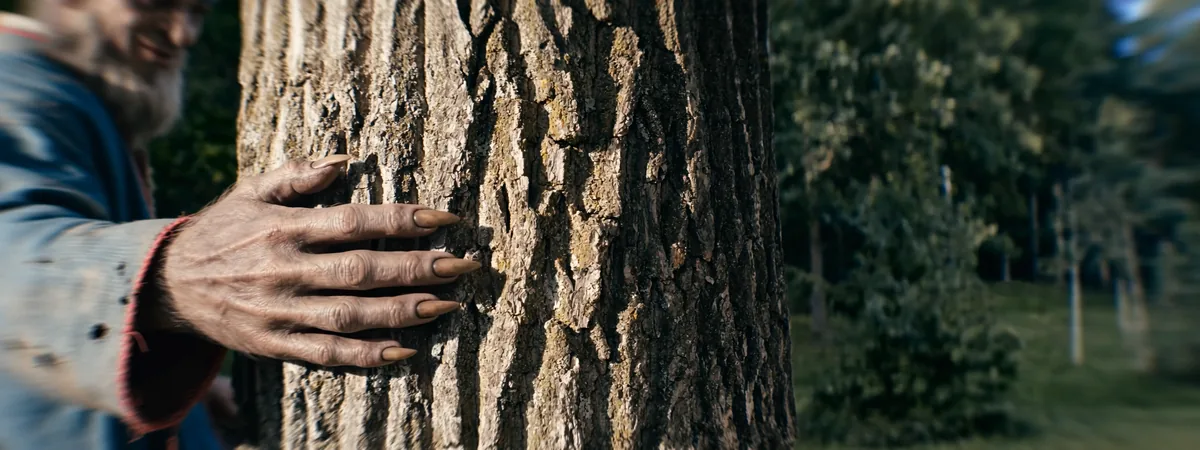 BeforeAfter
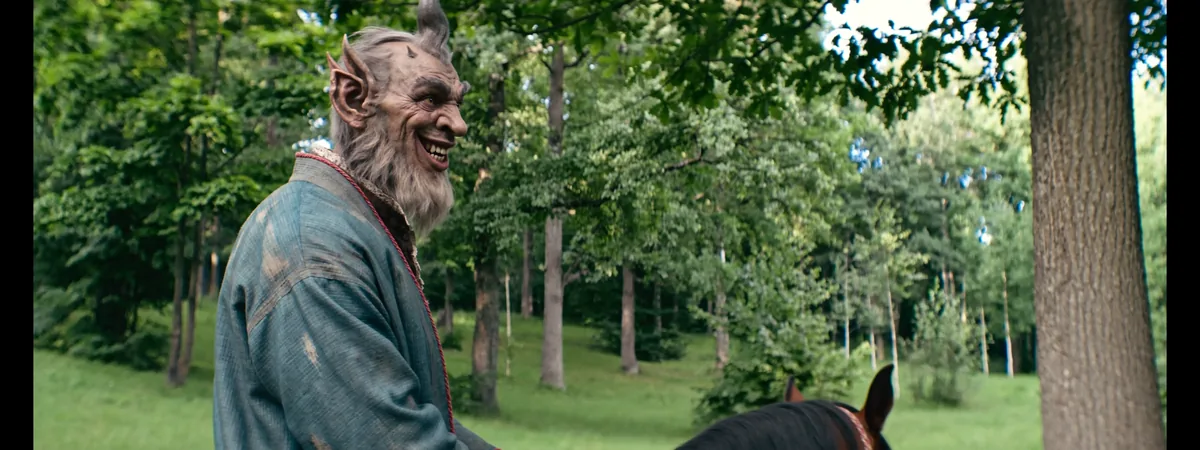
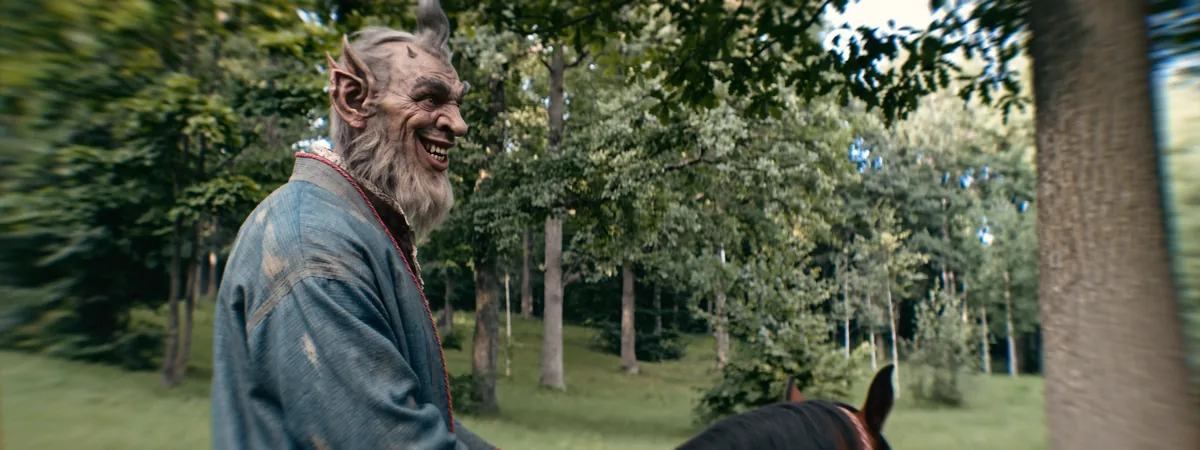 BeforeAfter
Made with AI? Shoot it with glass.
AI footage, real lens.
Generated frames are often too clean. Lens Imitation adds the optics a real camera would have — and the shot stops looking generated.

 AI frameLens Imitation

 AI frameAfter
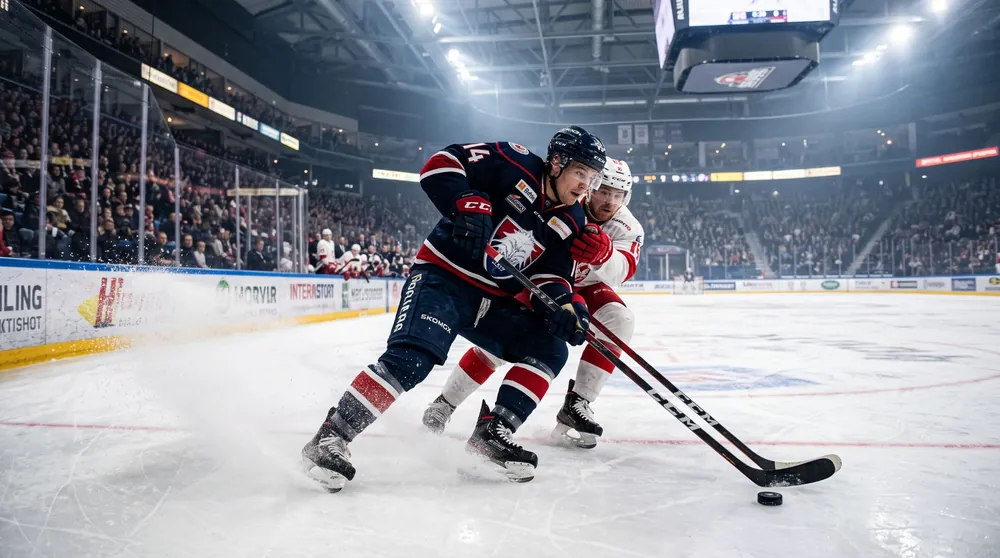
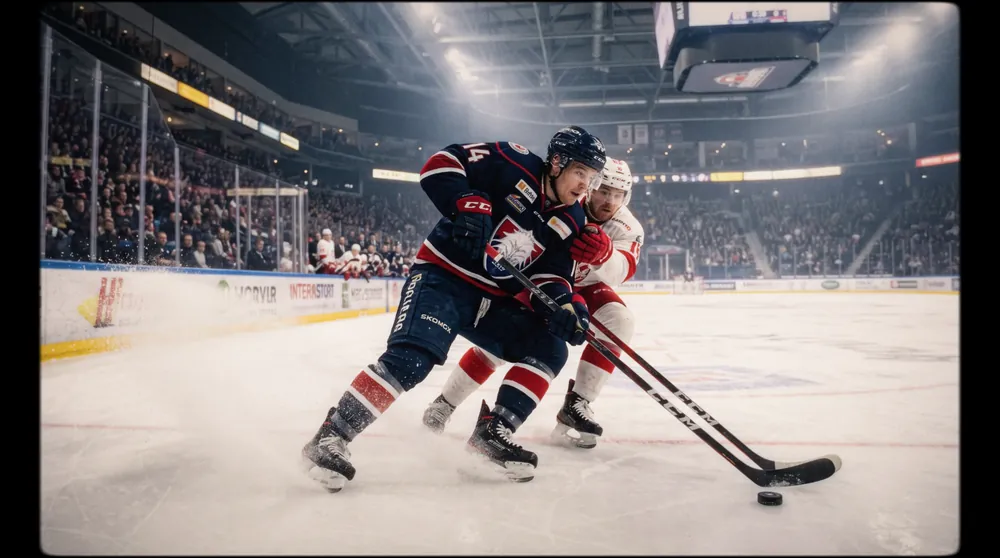 AI frameAfter

 AI frameAfter
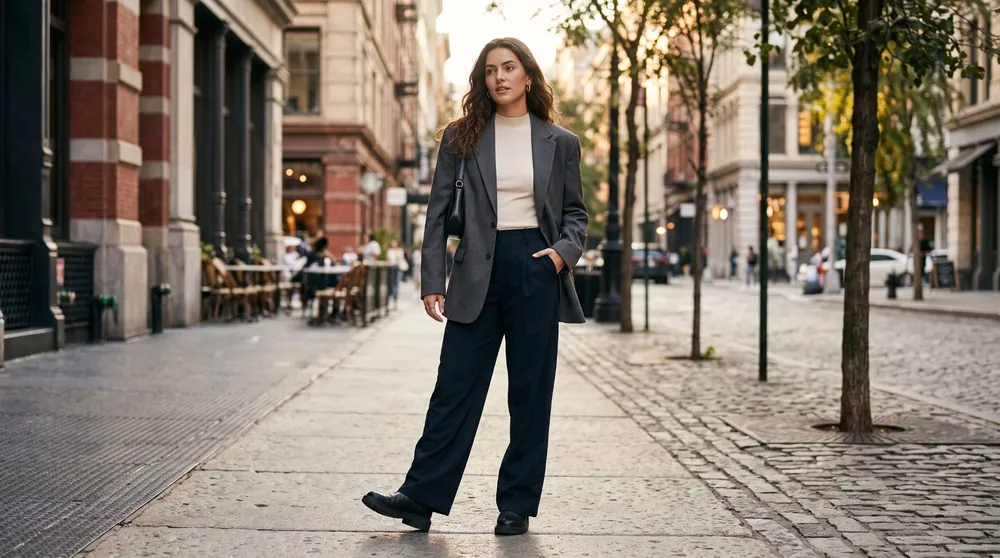
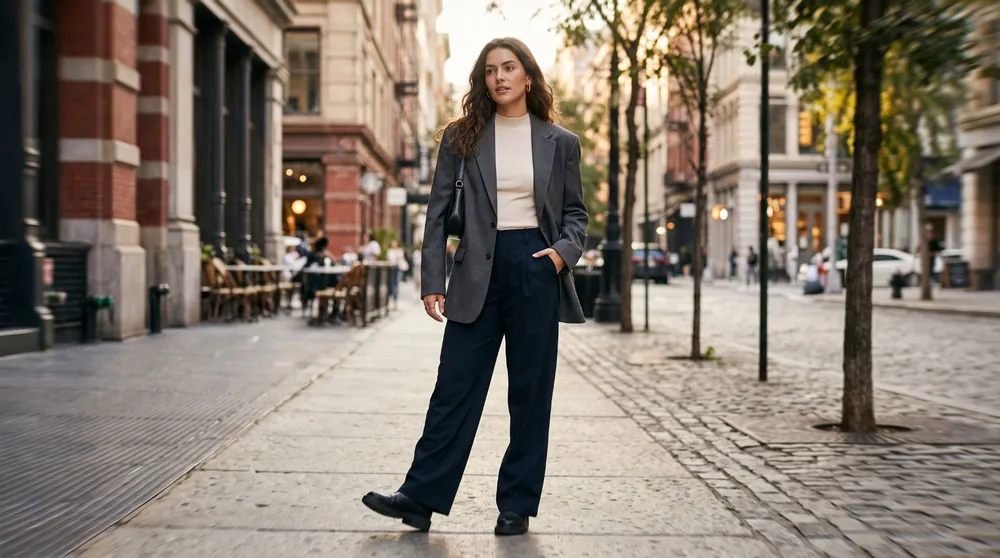 AI frameAfter
All “after” frames on this page are rendered by the plugin itself.
Everything a lens does to light
Optics first. Effects on top.
Real anamorphic geometry
Edge stretch that keeps the centre untouched, the way anamorphic glass bends the frame.
- Input Squeeze 1.33x – 2x
- Astigmatism · oval blur
- Chromatic aberration
- Oval, round and anamorphic vignette
- Distortion and fisheye
The streak, tracked
A single strong flare from the brightest light, with a built-in tracker that follows it through the shot.
- Blue, amber, purple or white
- Track forward, backward or both ways
- Ray limit and blend modes
- Draggable point in the viewer
Grain, glow and gate
Delicate film texture that never looks like a filter, even at the maximum.
- Film grain 8 / 16 / 35 / 65 mm
- Halation, bloom, highlight boost
- Prism Glow and Coma
- Dust, hair, light leaks, gate weave
- Film Gate formats
Eleven looks. One click.
Every look is a starting point. Open any section and make it yours.
Three steps to anamorphic.
Drop it
Effects → OpenFX → Әl-Bai Tasvir → Lens Imitation. On a clip, a node or an adjustment clip.
Pick a look
Start from Әl-Bai Style or any of the eleven looks in the Look menu.
Fine-tune
Every section has an Enable switch and Light, Medium, Strong or Custom strength.
Tech Specs
- Host
- DaVinci Resolve 18 or newer — free version and Studio. Edit and Color pages, adjustment clips.
- Windows
- Windows 10 / 11, 64-bit. GPU rendering on NVIDIA (CUDA), GTX 16xx / RTX recommended. CPU mode on any PC.
- macOS
- macOS 13 Ventura or newer. Apple Silicon and Intel, GPU rendering through Metal.
- License
- One key, two computers — Windows or Mac in any combination. Move it with one click.
- Activation
- Internet once to activate.
- Updates
- Free. The plugin tells you when a new version is out.
- Trial
- Everything works, with a watermark — test it on your own footage first.
- Support
- baiproductionwork@gmail.com — answers within 2 working days.
Make your next film anamorphic.
Try it free on your own footage. Buy when you love it.
The installers and step-by-step PDF guides are in one download folder. Every purchase goes straight into new versions — thank you.